sparksbud
VR Before Sleep
Don't use a VR headset during sleep or as a sleep aid. Meta's own safety warning says exactly that. If you already enjoy VR in the evening, the optional sequence below ends with the headset off at least half an hour before bed. It hasn't been tested as a way to improve sleep, so stop if you feel tired or uncomfortable.
Don't use a VR headset during sleep or as a sleep aid, which is Meta's own warning. If you already enjoy VR in the evening, keep it early: for example, 15 minutes in a dim, slow world, then the headset off at least 30 minutes before bed. Nothing here is tested as a sleep aid.
A 15-minute wind-down
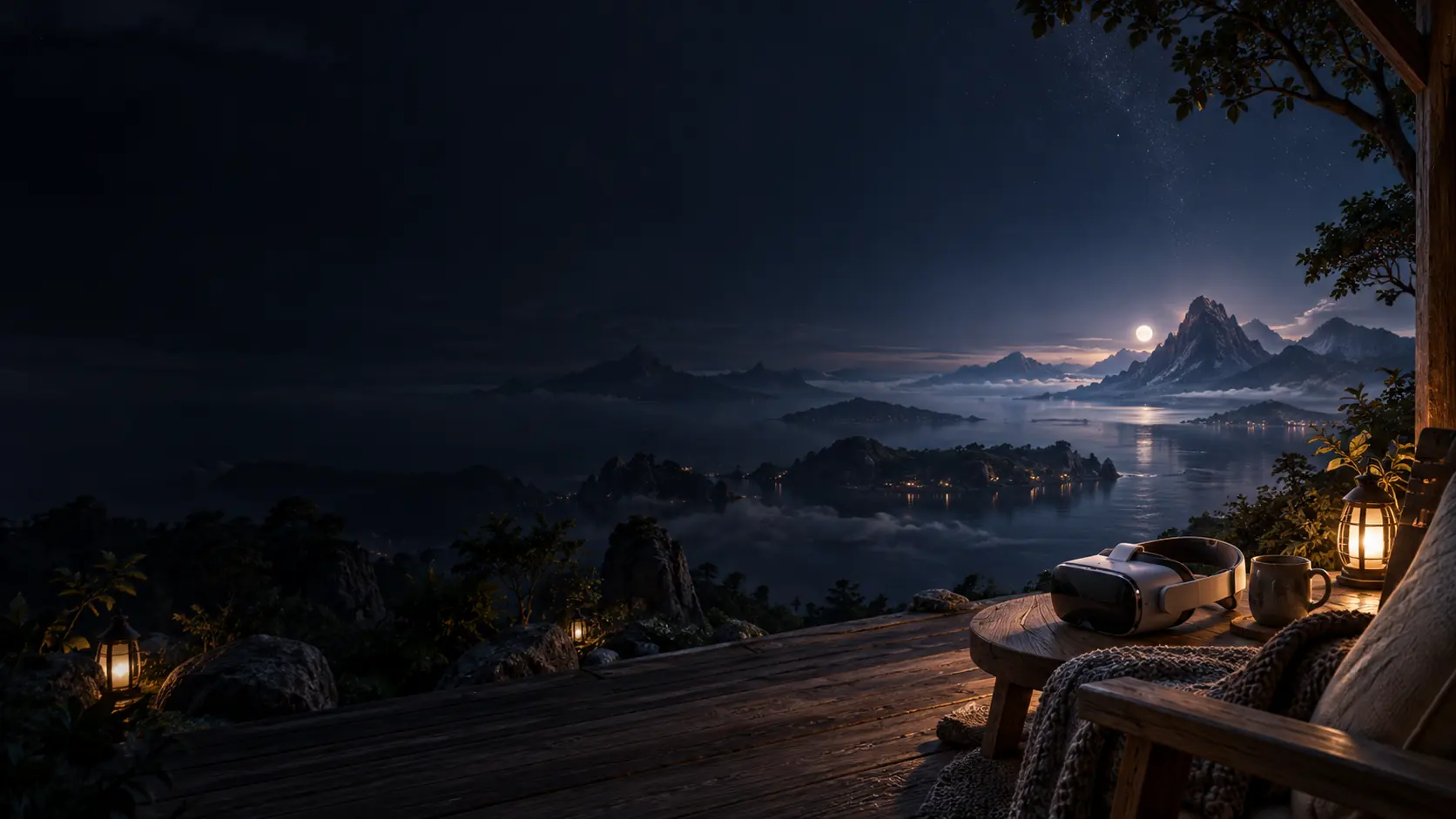
Use this earlier in your evening, while you're relaxed but not exhausted. Sit in a chair with a back, with a Stationary boundary set, and a lamp on low rather than the room in full darkness, since Meta warns that very dim light can stop a Quest tracking properly.
- 1
0 min: Open a still world and lower the brightness
Open a world where you stay in one place, such as Aurorafy, and enter VR. Open Settings on the dock and slide Brightness down until the brightest part of the sky no longer stands out.
- 2
3 min: Slow the world down
Slide Speed down. At its lowest the world moves at a quarter of its default pace. It still moves, gently, which is the point.
- 3
6 min: Choose your sound
Leave the music off for silence, or choose Sound and keep the headset volume low. Each world has its own recorded music, and Next moves to another track.
- 4
9 min: Hide the dock and breathe
Choose Hide so nothing sits in front of you. Rest your eyes on one slow thing, like the reflection on the water, and breathe slowly for a few minutes.
- 5
12 min: Exit VR
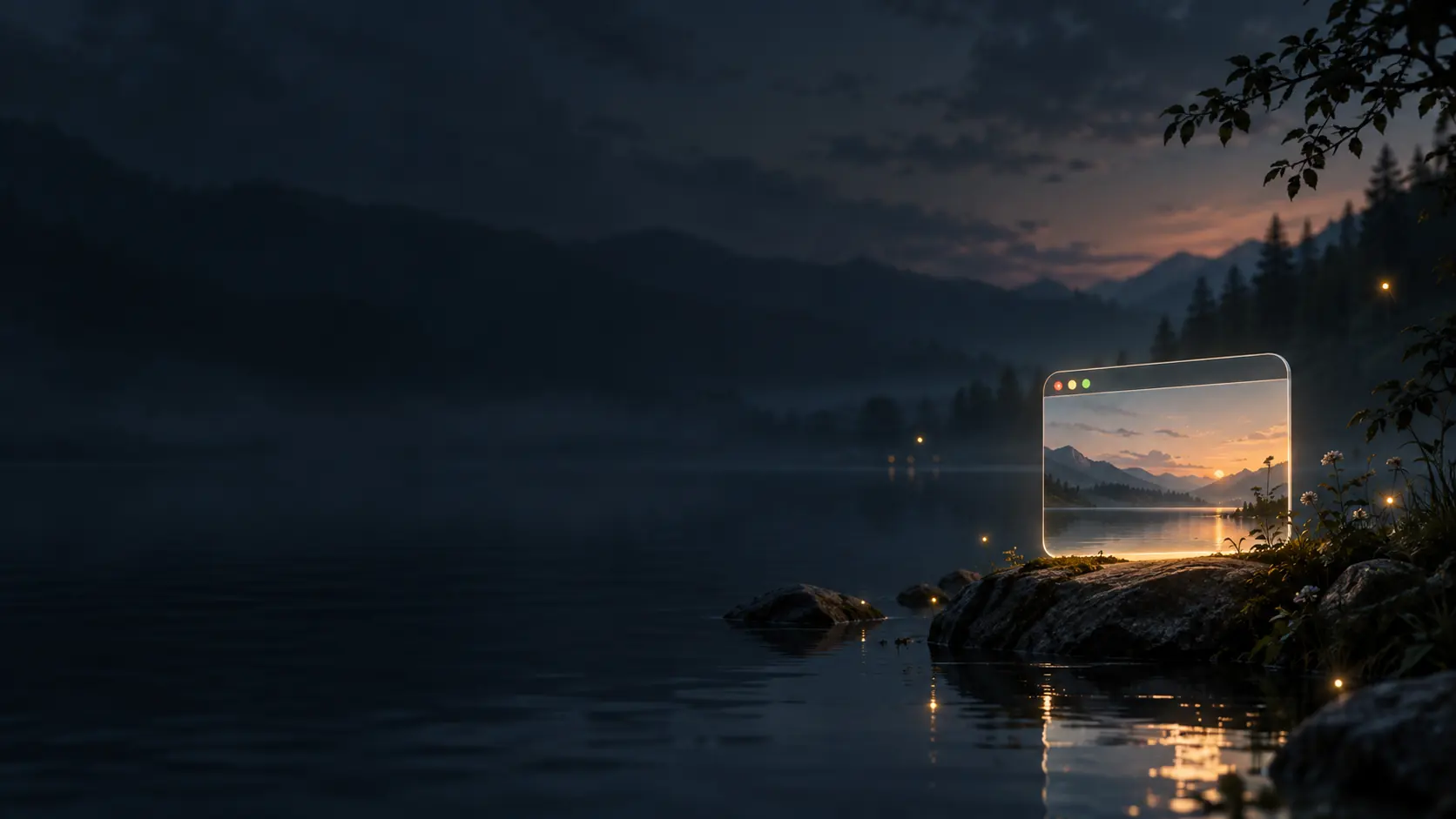
Choose Exit VR on the dock, or press the menu button on your left controller. You'll be back on the page in the browser, and the world keeps going in its window.
- 6
15 min: Headset off
Take the headset off, put it on its charger away from the bed and turn other screens off too. Then carry on with whatever usually gets you to sleep.
Set an ordinary timer you can hear before entering VR. Sparksbud doesn't end a session on its own, so the timer marks when to take the headset off.
Is it safe to sleep in VR?
No. Meta's health and safety warnings for Quest 3 and 3S say it in one line: "Do not use during sleep or as a sleep aid." The same page lists "Fatigue, exhaustion or sleeplessness" among the states in which you shouldn't use the headset at all, and "feeling unusually tired" as a reason to stop. Apple tells Vision Pro owners not to sleep on the device, its battery or its power adapter when it's plugged in. Sleep researchers who study VR at bedtime have written that headsets "are not yet suitable for sleep".
Those warnings are why this page's example sequence ends with the headset off and on its charger, with time to spare before bed. VR can be a pleasant way to change gear in the evening. It isn't a way to fall asleep.
The settings for a low-stimulation session
Sparksbud, the site I make, has two sliders and a few buttons that matter here. Open Settings on the dock for Speed and Brightness. Brightness changes the scene's exposure, not the headset's own display. The lowest setting is dim, not black. Speed slows the world's own motion, down to a quarter of its default pace, but never to a stop. There's no pause button inside the headset yet, and on a computer, Space is the pause.
Music is off every time you arrive, and stays off until you choose it. Choose Hide and the dock disappears. Pull a trigger, or pinch, to bring it back. If your Quest has Night display in its quick settings, it warms the display's colours, but no one has measured whether that changes how much light reaches your eyes in a headset (more on that below). For the steps into and out of VR, read WebXR on Meta Quest.
Change one slider at a time, then sit with the scene for a moment before changing the other. You'll know which setting feels better for you.
Calm worlds for the evening
All five worlds below keep you in one place. Their movement and music come from each world's own description, not from any measurement of light or sound.
| World | How it moves | Light | Sound, if you choose it | Best for |
|---|---|---|---|---|
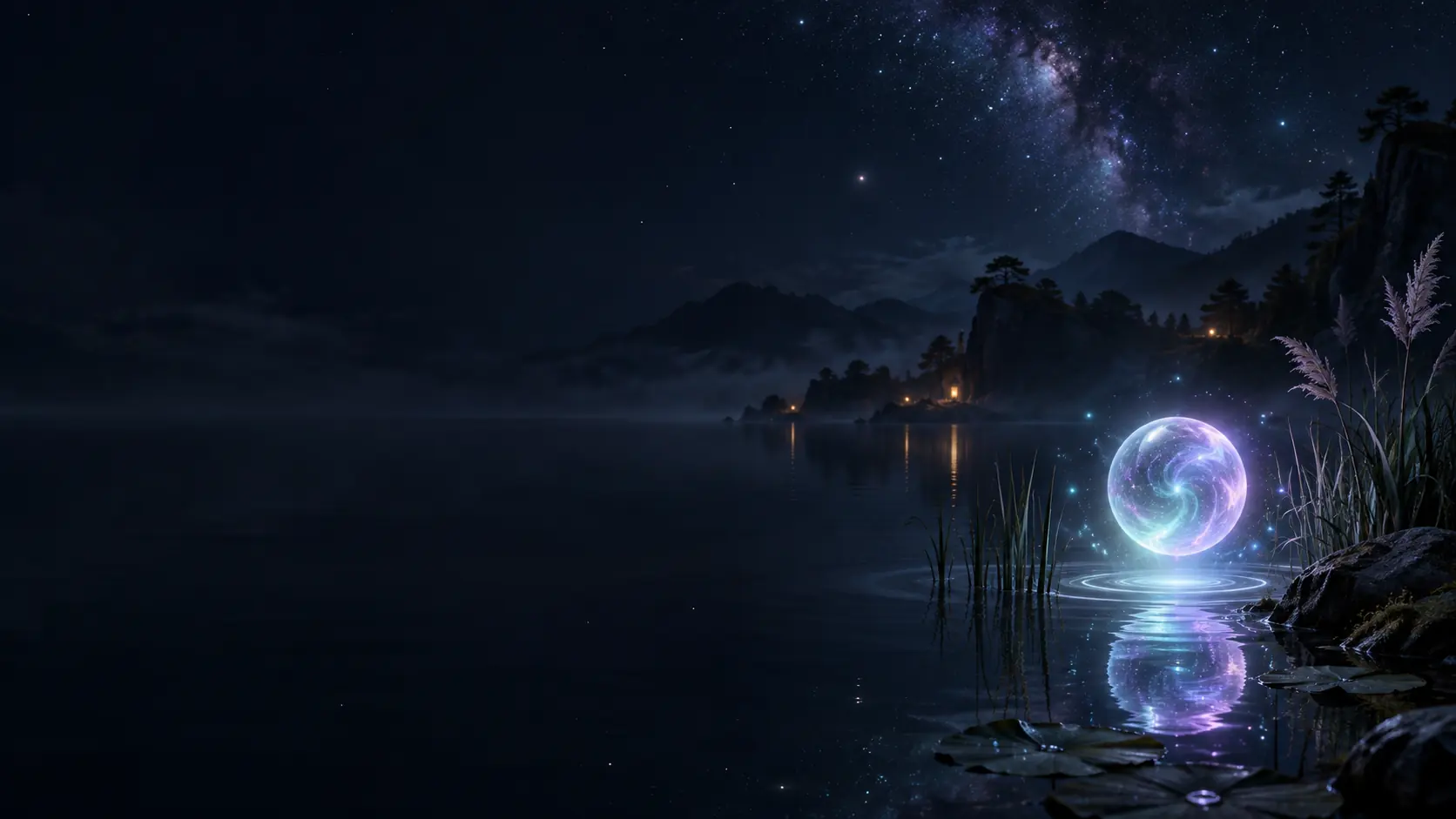
| Aurorafy | You stay at the shore as weather, birds and the sky change | A dark lake under green and violet aurora | Glowing keys and gentle harmonies, 7 recorded tracks | A dark, slow start |
| Lantern Sea | You stay put as each lantern drifts on its own path | A moonlit meadow with warm points of light | Plucks and warm bells, 5 recorded tracks | Following one light with your eyes |
| High Camp | You stay at camp as cloud shadows and river glints move | Golden hour above a cloud sea, in four seasons | Warm plucks and slow harmonies, 6 recorded tracks | A wide, distant horizon |
| Aqua Ballet | You stay on the reef as fish and whales pass | Softly lit blue water | Floating chimes, 6 recorded tracks | Watching slow creatures |
| The Garden | You stay among the plants as flowers breathe and the canopy sways | Glass flowers and flowing light over water | Soft celesta, 5 recorded tracks | Looking up and around slowly |
Skip the worlds that carry you forward (Lumen Tunnels, Lightwarp, Kaleidoscope and Nebula Drift) and Clockwork, whose giant machine circles around you, if you want stillness. Several of their playlists run livelier too. The reasons are in motion sickness, and you can browse every world and its movement notes.
Does VR affect sleep?
Nobody knows yet for VR specifically, and that's the honest answer. What exists is evidence about screens and light in general:
- Evening screen light. In a 2015 lab study, 12 adults who read on an iPad for about four hours before bed had their melatonin suppressed by 55%, took about 10 minutes longer to fall asleep and had their body clocks pushed about 90 minutes later than when they read a printed book.
- Ordinary room light. Room light before bed delayed the start of melatonin in 99% of people in a 2011 study. A 2019 study found half the maximum suppression at about 25 lux, with individuals ranging from 6 to 350 lux, so sensitivity varies a lot.
- The expert view. A 2022 international consensus recommends keeping light at the eye below 10 lux of melanopic light (the kind that drives the body clock) for the three hours before bed. A 2024 National Sleep Foundation panel, though, couldn't agree that screen light impairs sleep in adults.
- Warm filters. In a 2019 study, an iPad's warm Night Shift setting still suppressed melatonin, and the authors concluded that changing colour without lowering brightness may not be enough.
Now the near-eye caveat. Those studies concern room light or conventional screens, so their numbers don't transfer directly to a headset, which blocks the room, fills your view and sits a few centimetres from your eyes behind a lens. The headset melatonin experiment I found, from 2025, showed a plain white field at half brightness and found clear suppression in 75% of people, which shows a headset can deliver enough light, not that a dim scene does. I didn't find a study measuring sleep after an ordinary evening session in a headset. Dimmer scenes mean less light reaching your eyes, and finishing well before bed gives your eyes the darkest stretch.
Sound has better evidence, though not for everyone. A 2022 Cochrane review of 13 studies found that listening to music probably improves how adults with insomnia rate their own sleep quality, while the few studies that measured sleep objectively didn't establish a benefit for time to fall asleep. In adults without sleep problems, a 2022 meta-analysis found no clear effect at all. Plenty of people like music at night anyway, and that's reason enough to choose it, at a low volume.
Is it bad to sleep with a VR headset on?
Yes, for practical reasons as well as the warnings above. Meta says a headset "should rest lightly on the skin but should not compress the skin", which a strap can't promise against a pillow. It warns that prolonged contact with a hot surface on the headset can cause low-temperature burns, and that lighting that's too dim can make the headset lose track of where you are. The battery is lithium-ion, and Apple's warning is specifically about sleeping on a device that's charging.
There's also what happens next. Sparksbud doesn't schedule a stop, and what a headset does if you doze off hasn't been tested here, so don't rely on the app or the headset to end a session for you. Take it off first.
When the room feels like too much
Sometimes the problem isn't sleep but noise: a loud room, a long day of screens, too many things asking for attention. A headset can shut out the room's light and movement, and a still world asks for nothing. Here's how the usual sources of stimulation compare on things you can count, in plain terms rather than diagnoses.
| A busy room | A game | A feature film | A Sparksbud world | |
|---|---|---|---|---|
| Cuts per minute | None, but people move | Depends on the game | About 14, from a 4.3-second mean shot in films from 1990 to 2015 | None, one continuous scene |
| Notifications | Whatever your phone sends, 63.5 a day on average in one study | In-game prompts and alerts | None from the film itself | None |
| Decisions required | Constant small ones | Many, by design | None while it plays | None once a world is open |
| Sound swings | Whatever happens nearby | Effects tied to the action | Every clip at its own volume | Off unless you choose music, and tracks fade in and out |
For a low-stimulation session, the settings above are the whole method: brightness down, Speed down, sound off or low, dock hidden, a world where you stay put. Keep it short, and take the headset off when you've had enough. Sparksbud's terms are plain that it's for enjoyment, not treatment, and so is this page. If a quieter breath helps, VR meditation without a guide covers where to rest your eyes.
Frequently asked questions
Does Meta Quest have a night mode or blue light filter?
Quest has Night display, which shifts the display to warmer colours, and on Quest 3 and 3S, Temporal Dimming, which gradually lowers brightness during a session. No study has measured how much either changes the light reaching your eyes in a headset, and in an iPad study a warm colour setting alone still suppressed melatonin.
How long before bed should I stop using VR?
At least 30 minutes. The American Academy of Sleep Medicine suggests turning off electronic devices at least 30 minutes before bedtime, and the American Academy of Ophthalmology suggests avoiding screens for one to two hours. Neither has published advice specific to VR headsets.
Is VR bad for your eyes before bed?
The American Academy of Ophthalmology says there's no reason to think VR headsets damage the eyes, but it notes the lack of long-term studies, so that isn't a guarantee about every pattern of use. You tend to blink less while staring, which can cause dryness and strain, so keep evening sessions short and take the headset off if your eyes feel tired.
Which VR headset is best for sleep?
None. No headset maker designs one for sleeping, and Meta's warning says not to use a Quest during sleep or as a sleep aid. For a short wind-down before bed, what matters is a headset that fits lightly and comfortably and a world that stays still.
Does Sparksbud have a sleep timer?
No. Sparksbud shows elapsed time but has no sleep timer or scheduled stop. Exit VR returns you to the browser and doesn't stop the world. Close the page when you're finished, and take the headset off before you get drowsy.