 sparksbud
Immersive 360° world
Link Tower
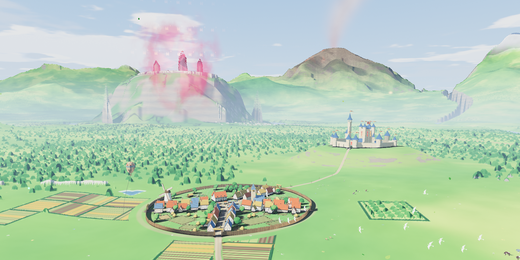
A 360 lookout over a living green kingdom with a real day-night cycle, distant landmarks and a fast-forward clock.
What is around you
An ancient tower looks over a green kingdom of roads, ruins, a village, distant citadel, mountains, animals, travelling merchants and little field imps.
How it moves
The landscape follows its own day and night: sunlight, moonlight, clouds, shadows, fires and the tower’s illumination change with the in-world hour.
What you can do
Use Fast forward time or press E to run the world clock faster; select it again to return to normal time. A link may also set an opening hour.
Music
Open air offers sparse piano and wide bright air after music is switched on.
Controls
Drag or touch to look around; the arrow keys turn the view and R returns to the opening direction. Space pauses motion, M starts or stops music, F enters fullscreen, and the settings control changes motion speed and brightness.
Browser and device
A current browser with WebGL 2 and graphics acceleration is required. On a compatible WebXR browser, including Meta Quest Browser, the app can offer Enter VR.
- Price and account
- Free to enter. No account or sign-up.
- Installation
- Runs in the browser; there is no app to install.
- Comfort options
- Music is off until you choose it. Reduced-motion visitors begin paused, and the app lets you pause motion or lower brightness and motion speed. Read the light, motion and VR notes in the Terms before entering if those effects may be uncomfortable. Terms
Frequently asked questions
How do I explore Link Tower in VR on Meta Quest or Apple Vision Pro?
On Meta Quest, open Meta Quest Browser, visit https://sparksbud.com/?view=360&world=tower, and choose Enter VR. Safari on Apple Vision Pro supports WebXR too, though Sparksbud has not been tested on that device yet. No download or installation is needed.
Is Link Tower free to enter?
Yes. Link Tower is completely free with no account creation, sign-up, subscriptions or adverts.
Can I experience Link Tower without a VR headset?
Yes. You can explore on any computer, phone or tablet in a WebGL 2 browser. Drag or touch to look around in 360 degrees, and use Space to pause or M to play music.
What comfort options are available?
On a computer, Space pauses motion. In every view you can lower the speed and brightness in settings, and visitors who prefer reduced motion begin paused. Music is off until you turn it on.
Related worlds
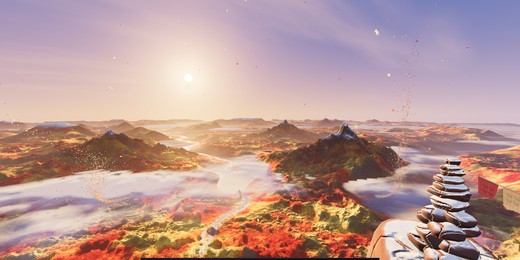
High Camp
A 360 golden-hour camp high above mountain ranges, valleys, rivers and a shifting cloud sea in four seasons.
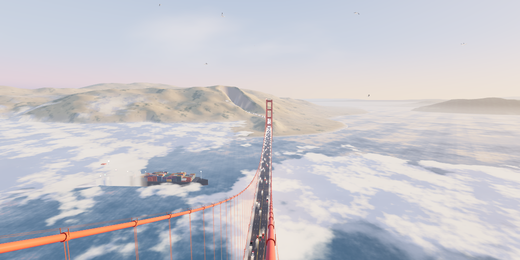
Golden Gate
A 360 lookout from the south tower of the Golden Gate Bridge, with fog, passing traffic, ships and changing light.